Accept Payment from Merchants Globally
Businesses can now accept high-volume payments from merchants globally, in their preferred currencies.
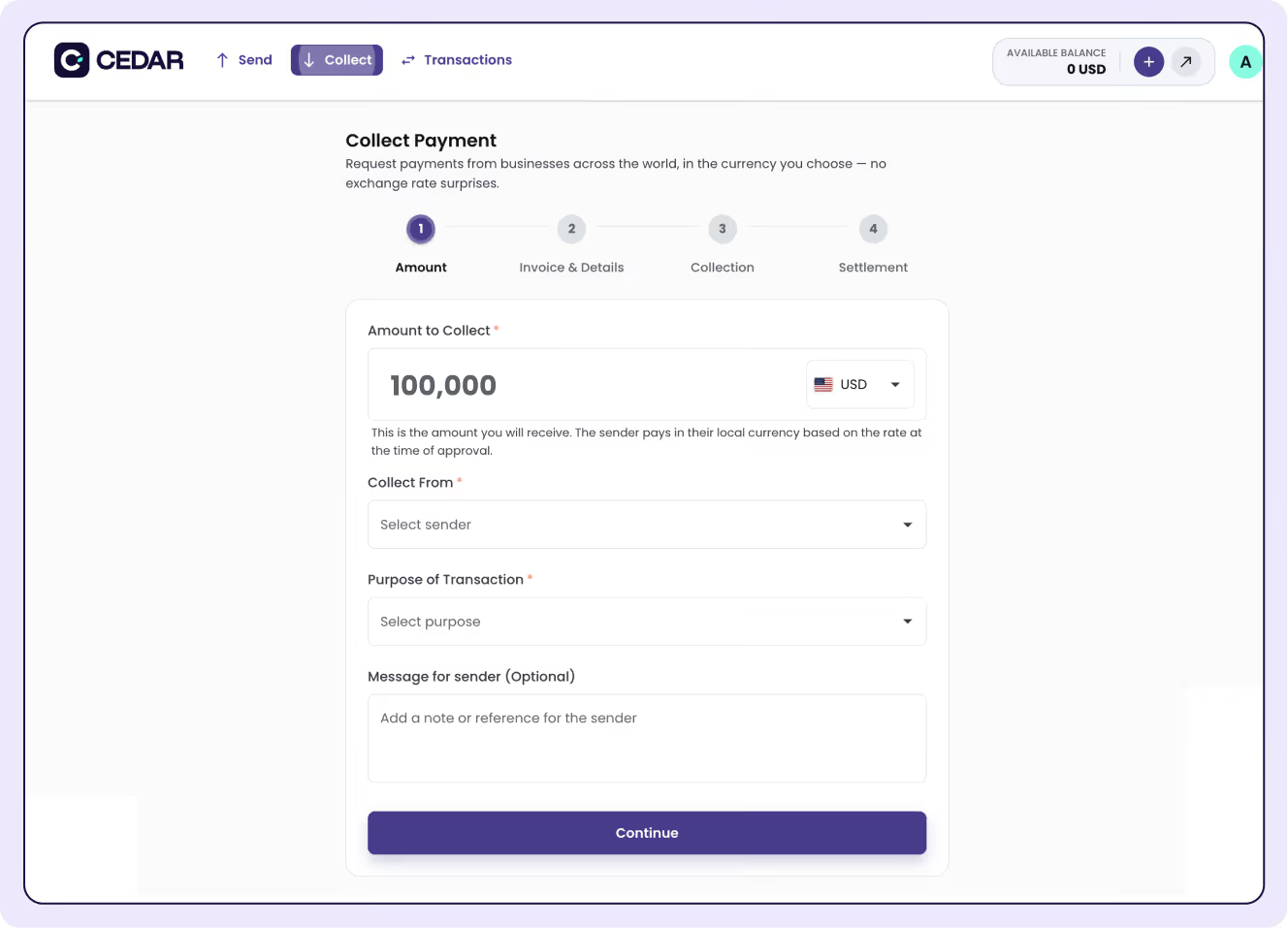
Laptop screen showing a payment request form with fields for invoice upload, invoice number, amount, currency, bank account, customer name, purpose of transaction, and an optional message, with buttons to cancel or request payment.

Seamless and Speedy Transactions

With our seamless and speedy transactions, at T+1 settlement, businesses like yours can close deals faster, and focus on what truly matters - growing your business.

High Volume Transactions

Cedar supports businesses handling large payout volumes (up to $30,000,000), ensuring that payments are processed, no matter the scale.

Receive money from anywhere in the world

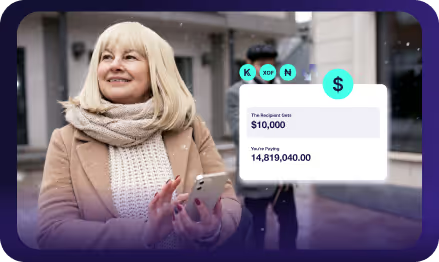
Accept large payments from merchants anywhere in the world, in preferred currencies.
African flags
Payouts in
and 130+ more
Arrow icon followed by text saying 'Send money to over 130 countries' with keywords highlighted.
Thank you! Your submission has been received!
Oops! Something went wrong while submitting the form.
Payouts in
Payouts in
United Kingdom flag, known as the Union Jack, with red, white, and blue colors.
Button with download icon and text 'Receive money from over 50 countries' on a dark background.
Simplified graphic illustrating concentric semicircles layered from dark to light gray on a black background.

All Transactions are 100% Secure, Transparent and Compliant.

icon
Continuous Monitoring

Our security systems are on constant vigil, monitoring for and neutralizing threats in real-time, keeping your account safe 24/7.

icon
Regular Audits

Conducting rigorous security audits and compliance checks to uphold our high standards and adapt to the evolving cybersecurity landscape

Multi-Factor Authentication

Adding an extra layer of security by requiring multiple forms of verification, significantly reducing the risk of unauthorized access.

icon
Privacy First

We are committed to privacy and transparency, handling your data with the utmost care and in accordance with global privacy regulations.

Dark purple circular button with white text 'STEP 1' in the center.
Create Your Account

Create a Cedar account and verify your identity to protect and secure your account.

Purple circular button with the text 'STEP 2' in the center.
Choose a currency

Select the currency and country you want to send money to. We support over 130 destinations globally, making it easy to transfer funds wherever you need.

Circular badge with text 'STEP 3' in white on a purple background surrounded by a glowing turquoise halo.
Confirm details

Double-check your transfer details to ensure accuracy and prevent delays. Verify the recipient's information and the amount one final time.

Screenshot of a payment request form on cedar.money website with options to upload an invoice, enter invoice number 4953, amount 26,356.46 in US dollars, select bank account Fidelity Bank, and customer Ayo Balogun.

Start Your Financial Journey with Cedar

Join us in shaping a future where banking is tailored for the modern world, blending innovation with ease. Simplify your global transactions with Cedar.

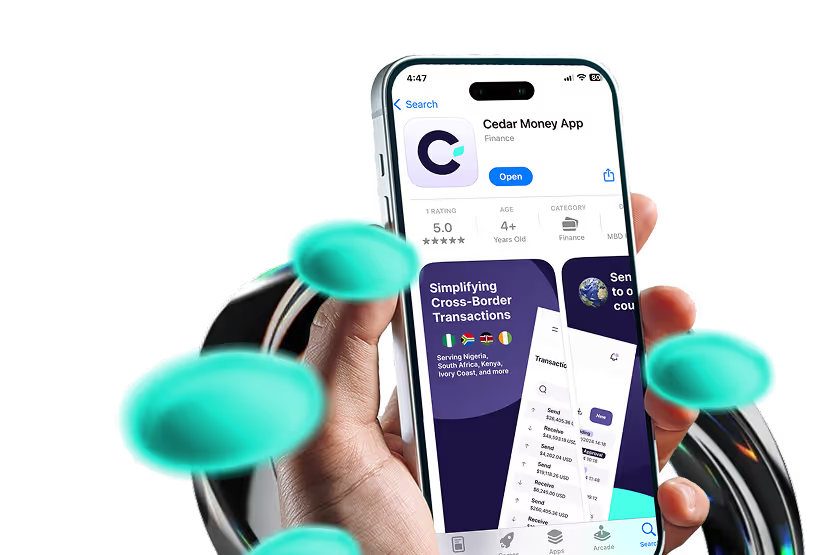
Introducing the Cedar Money App!
The Cedar Money App is now available for download on the Apple App Store and Google Play Store!

Download now and manage your business payments effortlessly, anytime, anywhere.
App store logoPlay store logo